
Protect Your Family Starts Here
With SAFE, stay connected with your children wherever they are — track their locations, manage screen time, and receive instant alerts for any emergency. All with privacy, respect, and family transparency.
Coming Soon
App Store
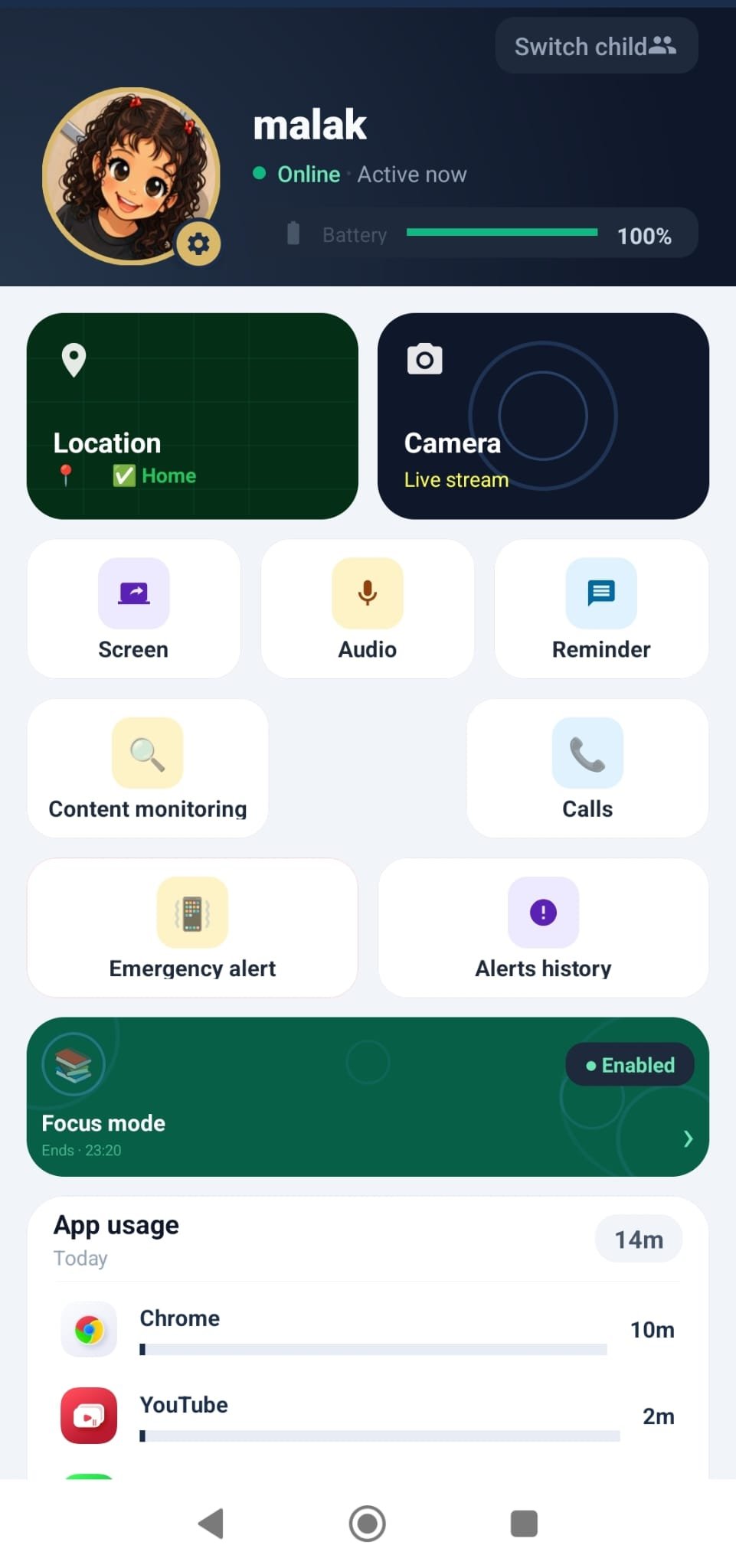
Everything You Need to Protect Your Family
Carefully designed features to give you peace of mind
Real-Time Location Tracking
Know your child's location moment by moment on the map, with a complete history of today's routes.
Safe Zones & Alerts
Set safe zones (home, school) and get instant alerts when your child enters or leaves them.
SOS Emergency Button
With one tap, your child sends an instant distress alert with their exact location.
App & Screen Time Management
Block inappropriate apps, set usage limits, and enable focus mode during study time.
Smart Usage Reports
A clear weekly summary of most-used apps and screen time.
Content & Keyword Monitoring
Alerts when concerning words or content appear that need your attention.
Call Monitoring
View call history and block unwanted numbers.
Co-Guardian (Secondary Monitor)
Share monitoring safely with your partner through a single invitation.
Battery & Speed Alerts
Notification when your child's phone battery is low or when a certain speed is exceeded (e.g., in a car).
Live Camera Streaming
View your child's surroundings in real time through their phone's camera with a single tap.
Screen Sharing & Remote Control
View your child's phone screen live and control it remotely via touch to offer help or make corrections.
Emergency Call That Breaks Silent Mode
Call your child from the parent app at full volume — even if their phone is on silent. Never miss an emergency.
How SAFE Works
Three simple steps to protect your family
Install Both Apps
Install SAFE on your phone and your child's phone from Google Play.
Link the Accounts
Link both accounts easily via a secure, encrypted pairing code.
Relax and Monitor
Track everything from one simple, clear app.
The SAFE Experience
A simple, modern interface for peace of mind

Welcome Screen
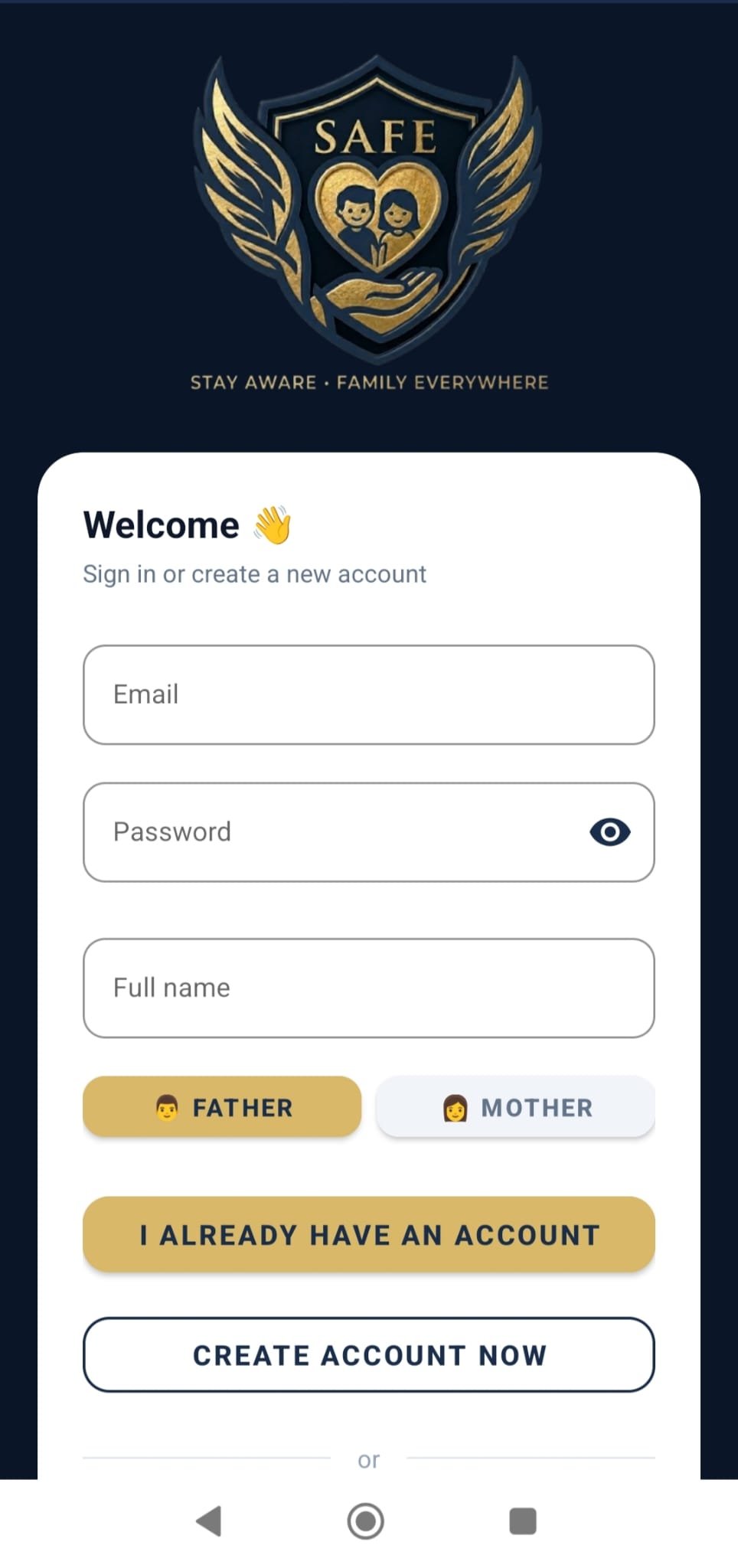
Sign In
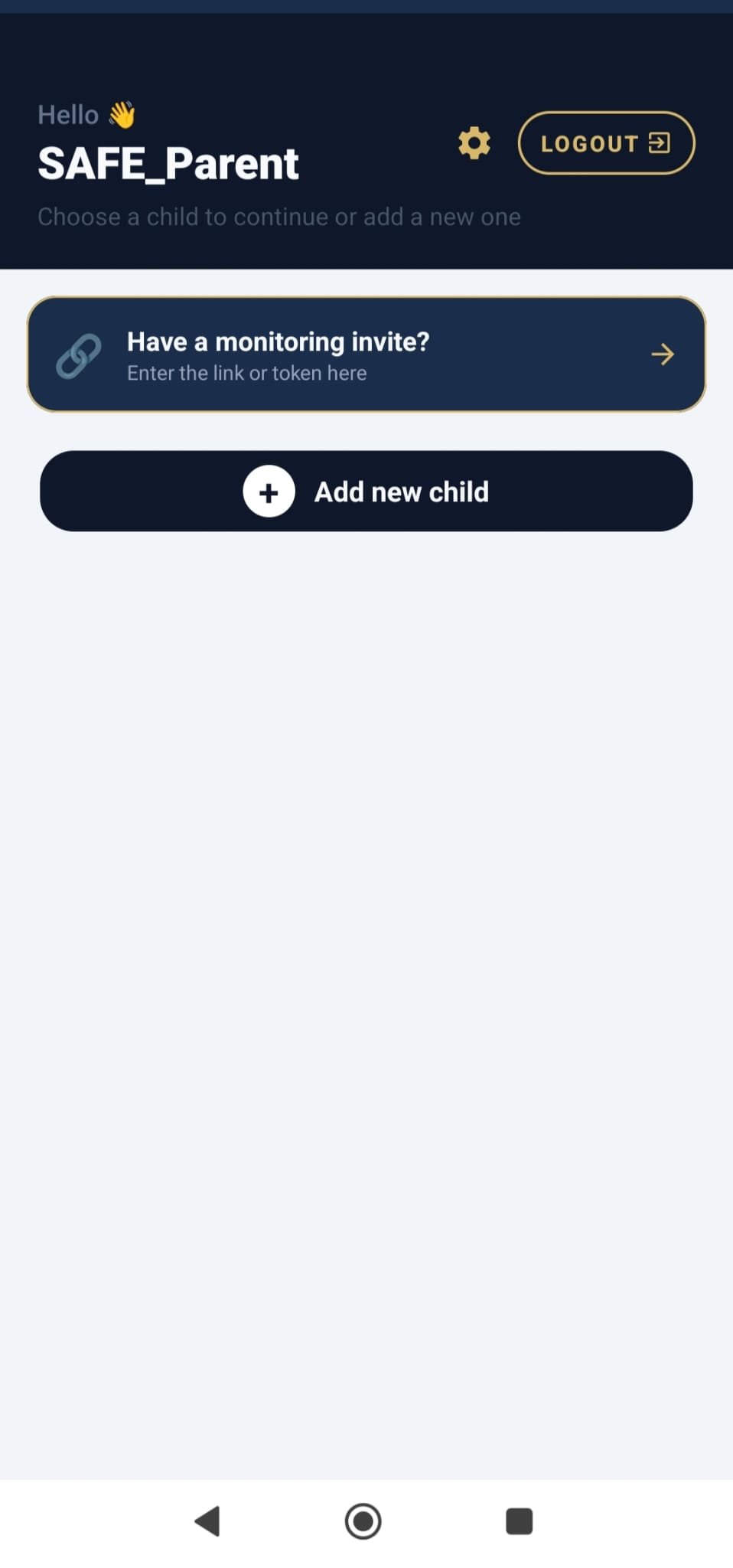
Add Child
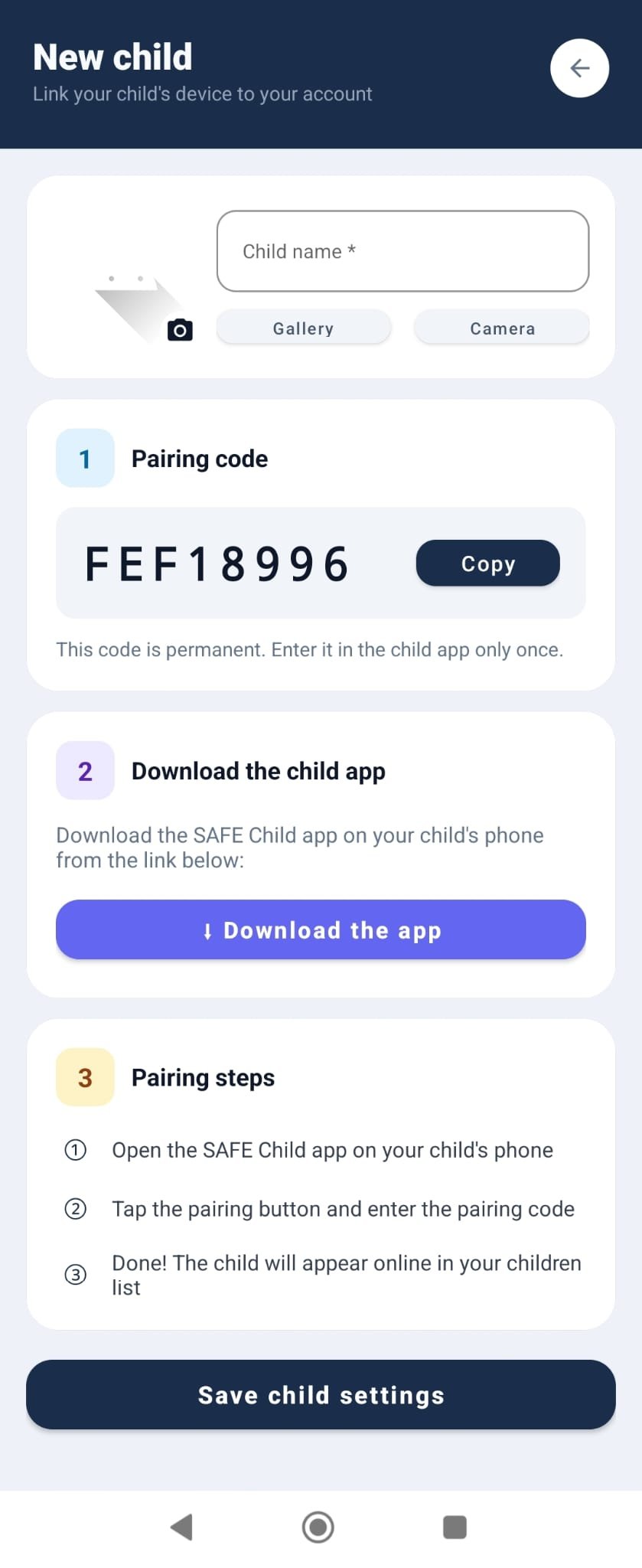
Link Account
Home Dashboard
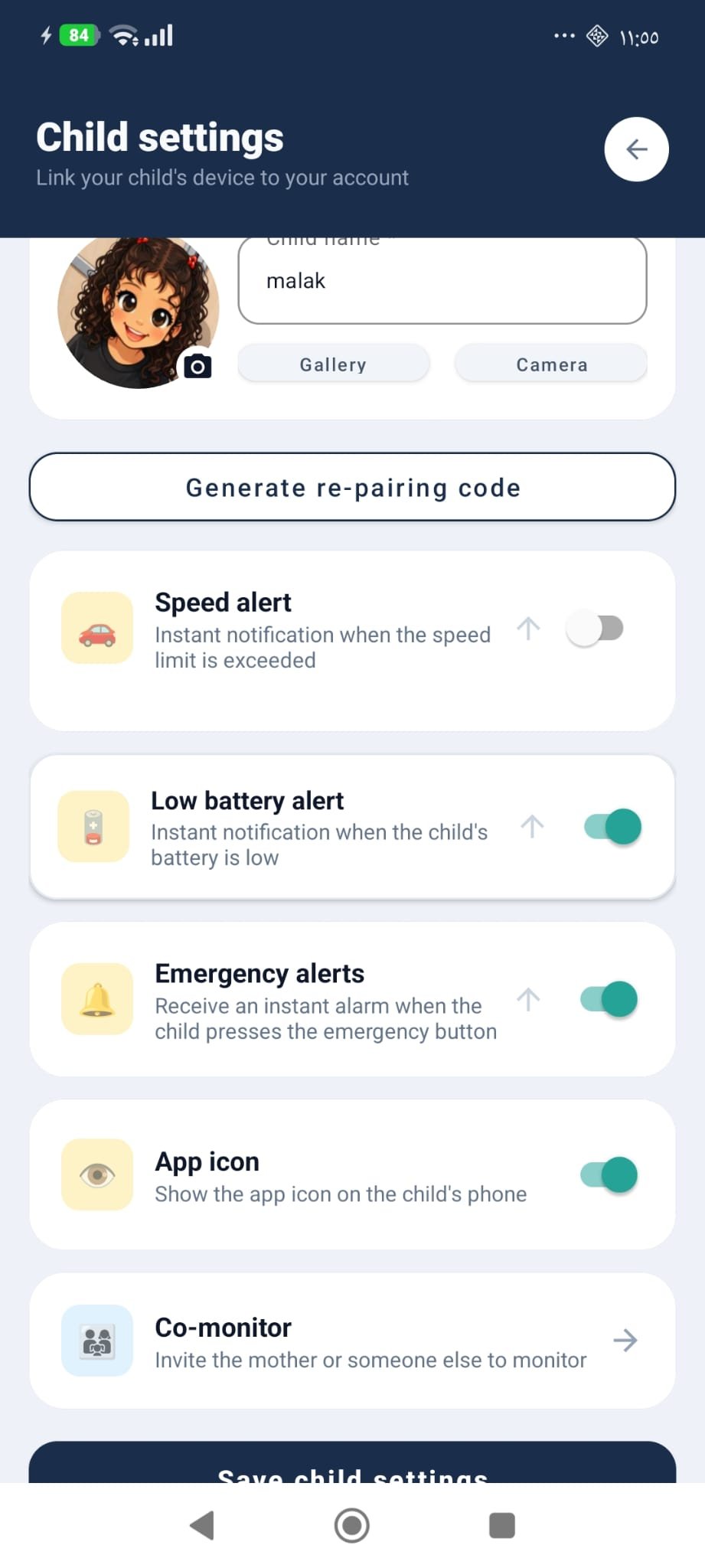
Child Settings
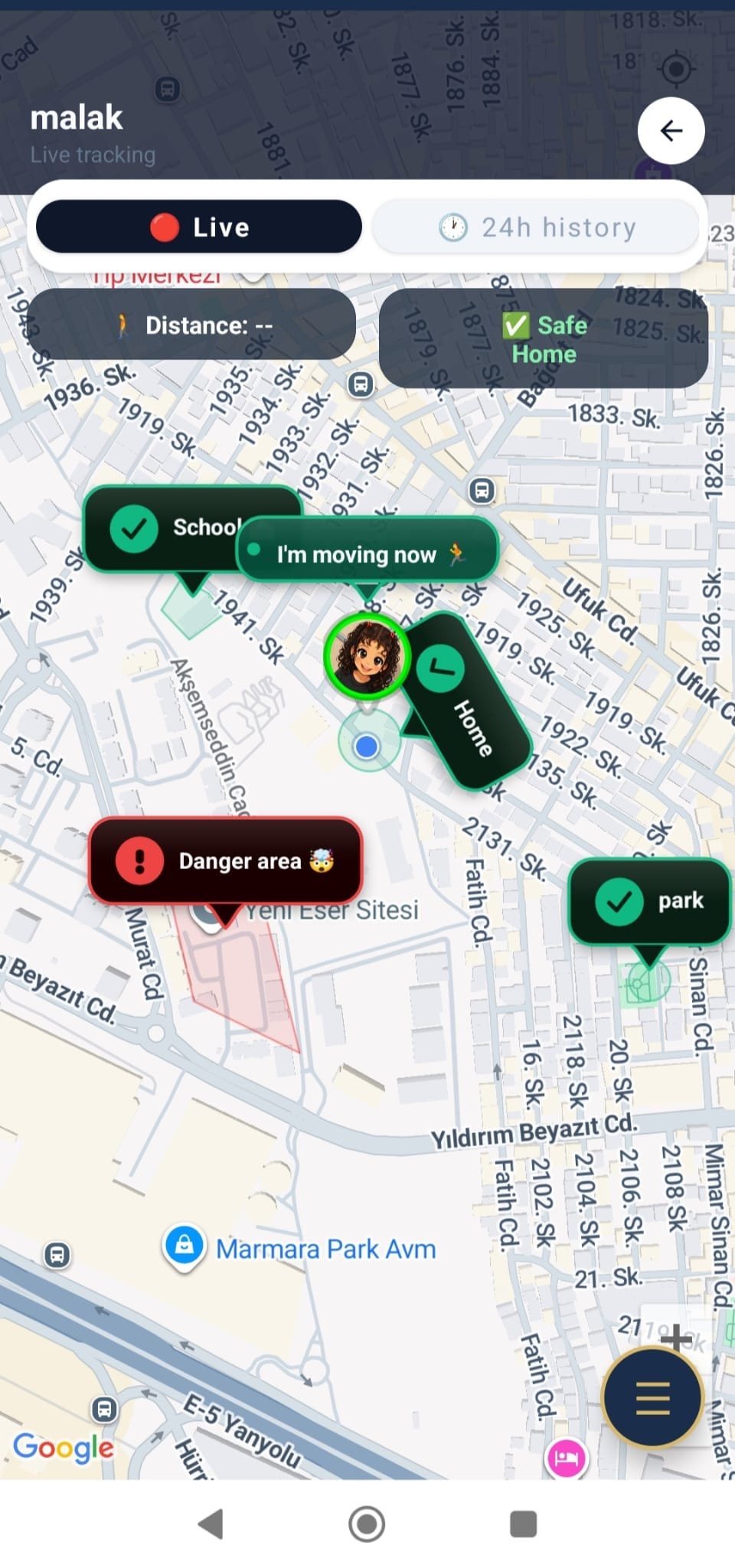
Day Route
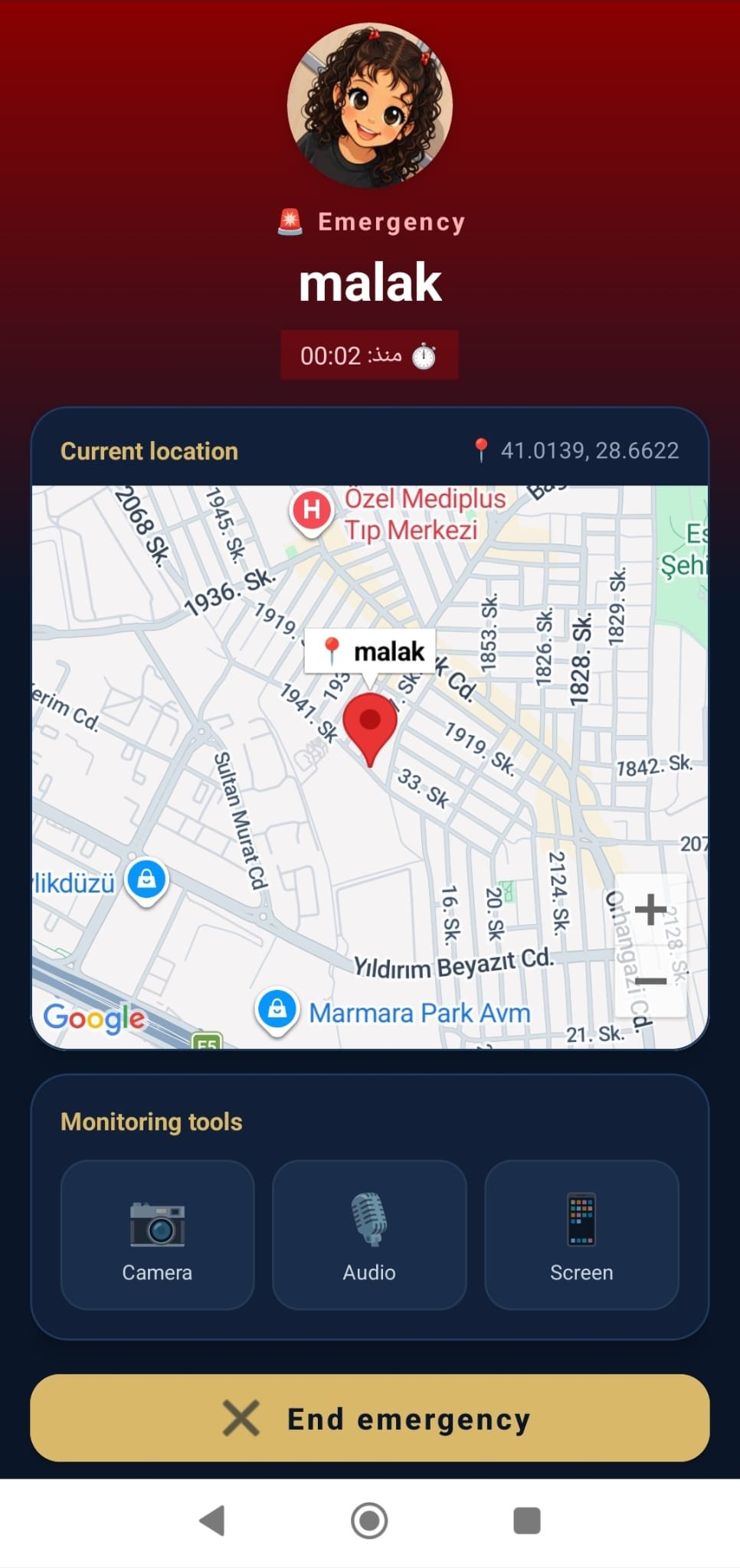
Emergency Call
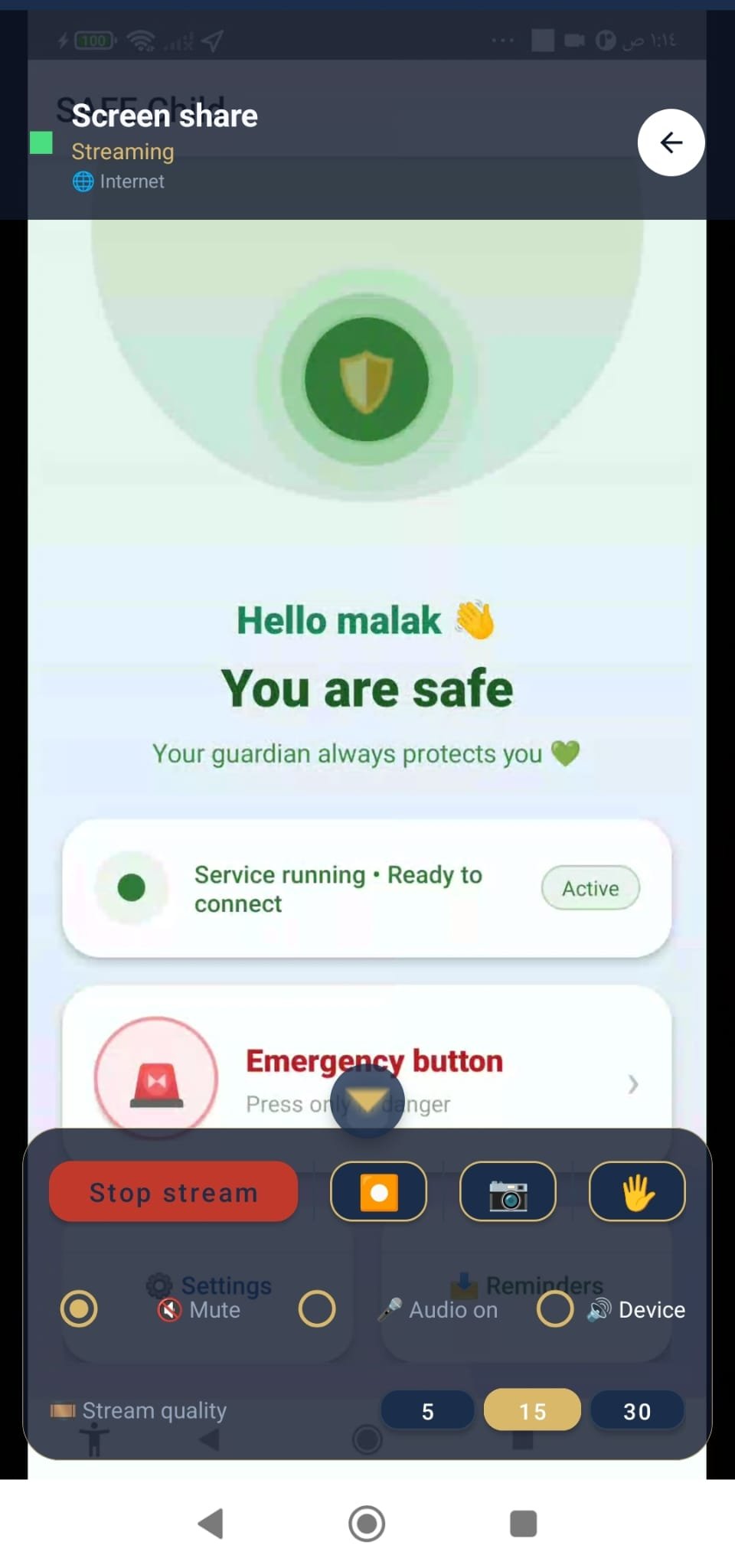
Screen Share
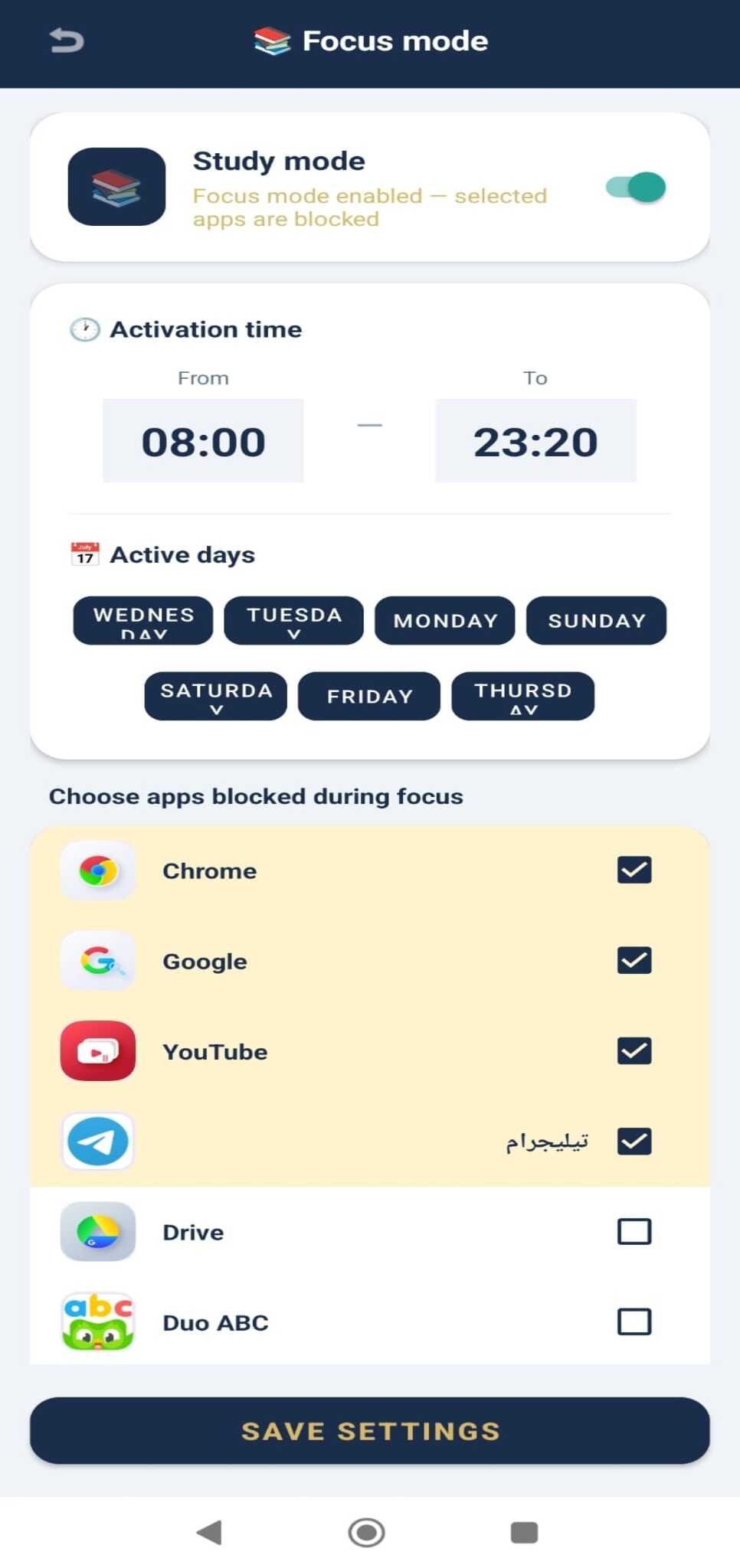
Focus Mode
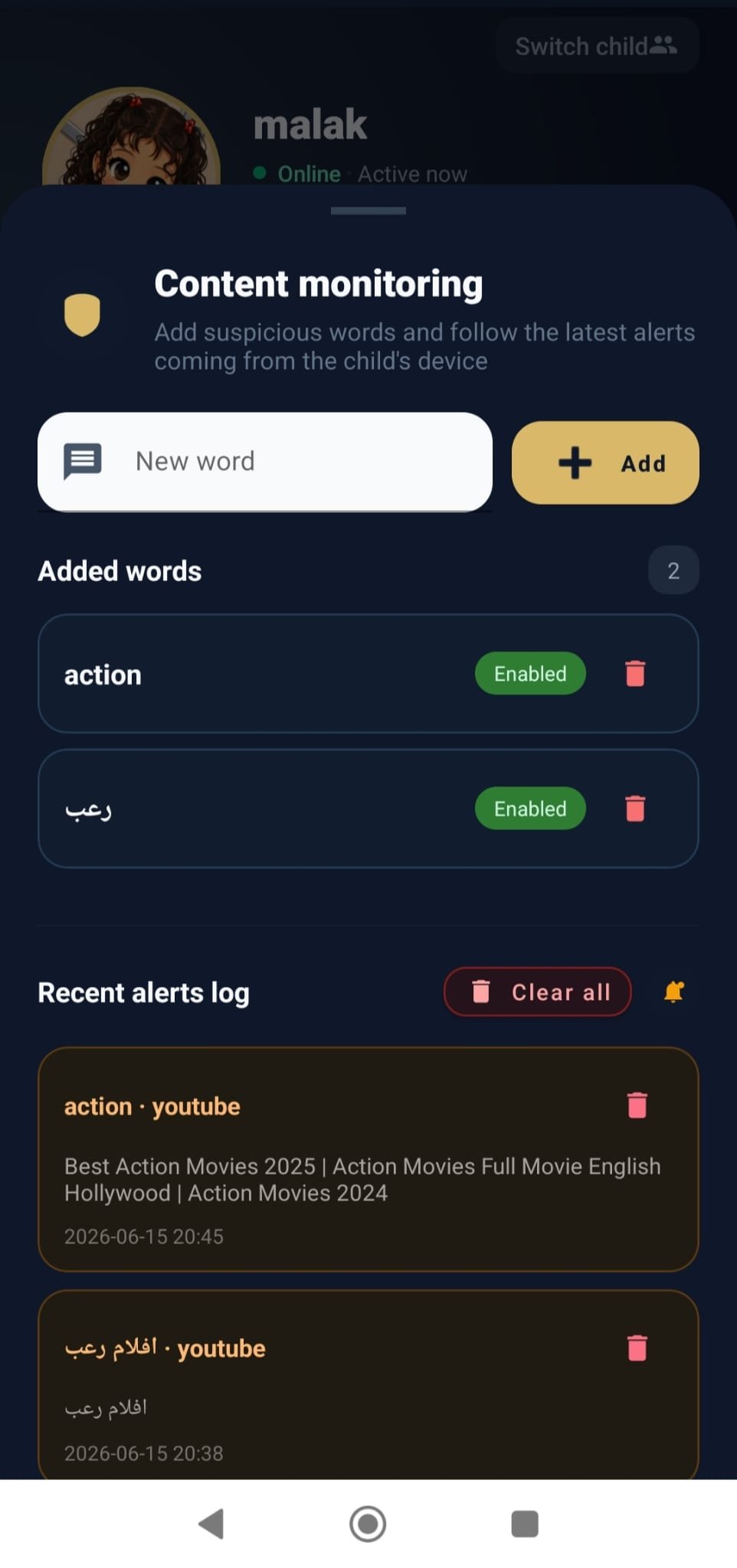
Content Monitor
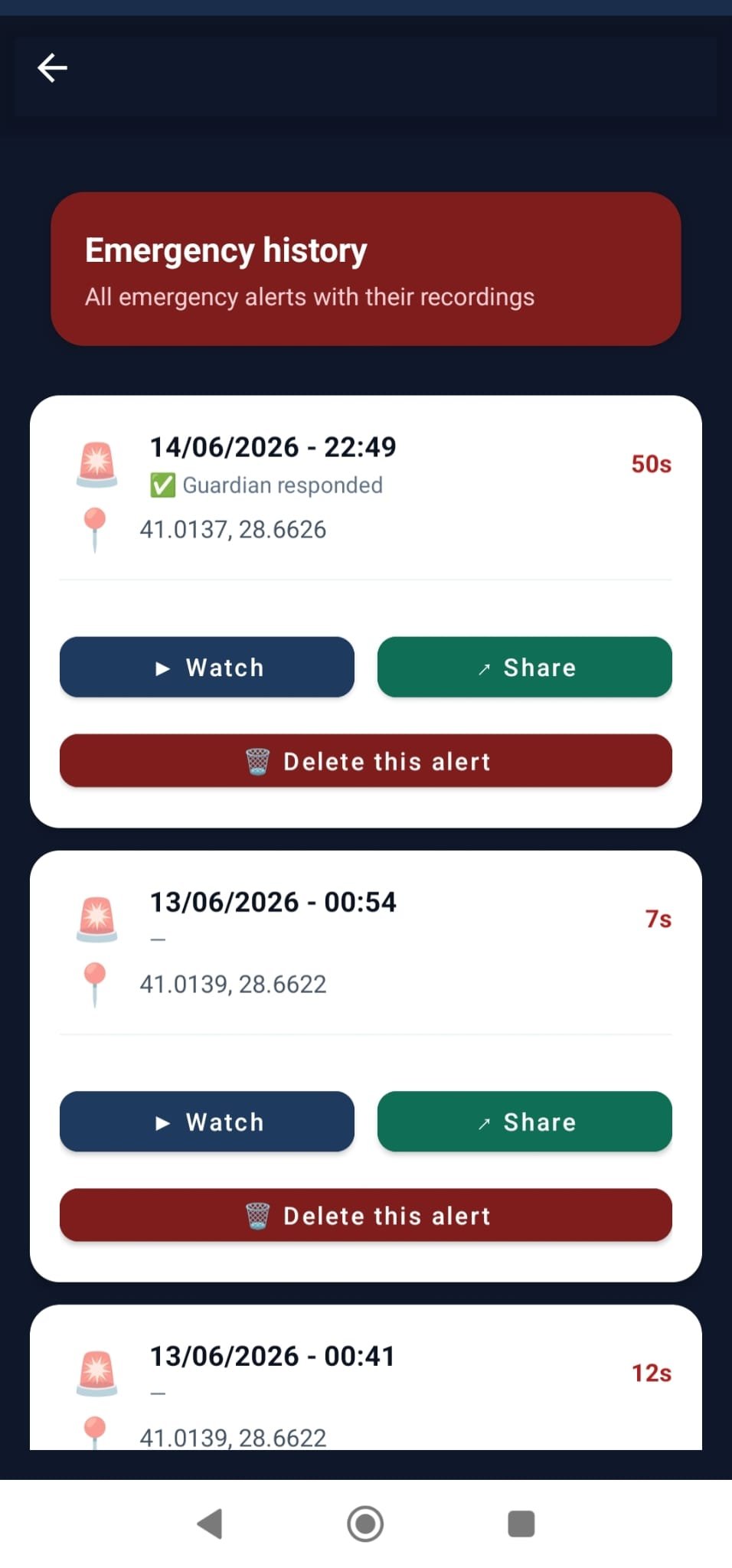
Emergency History
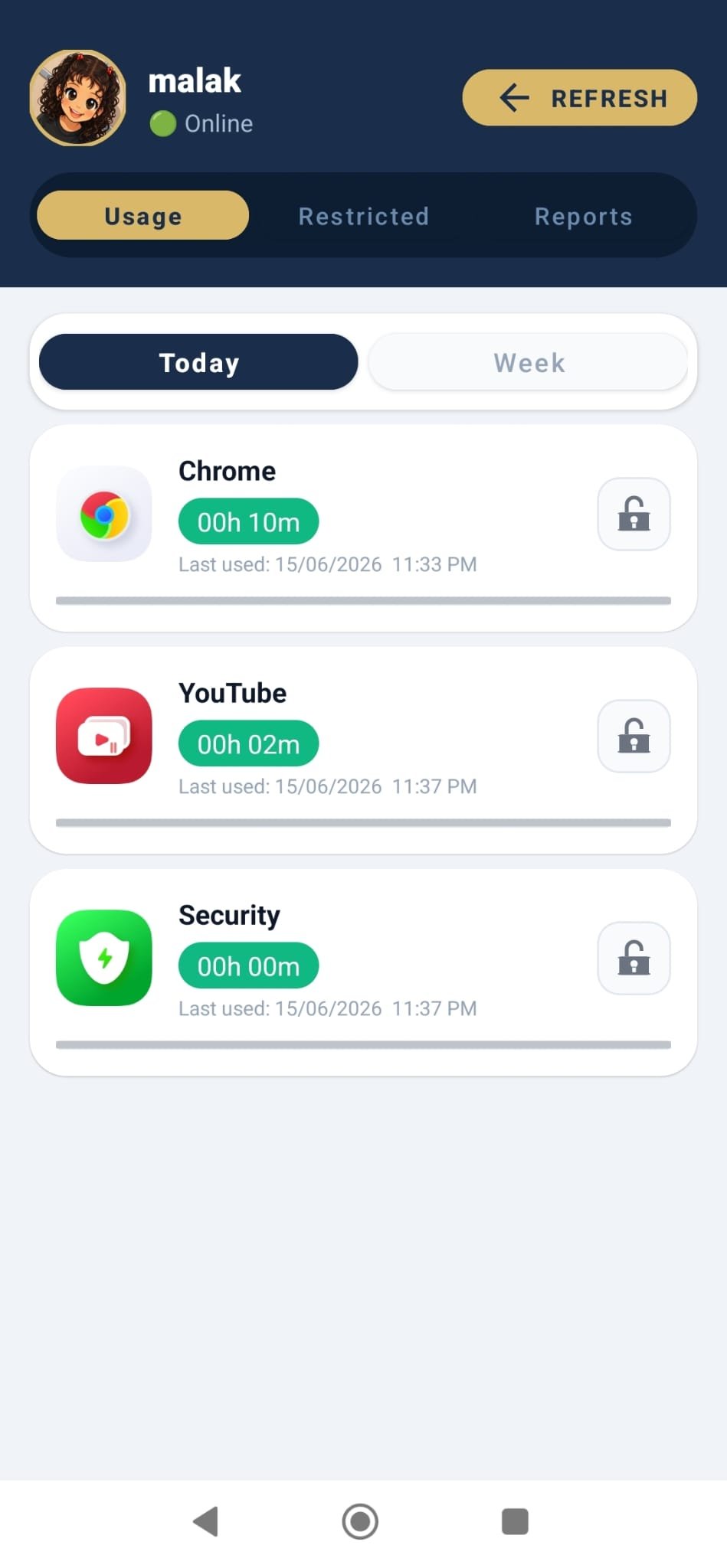
App Usage
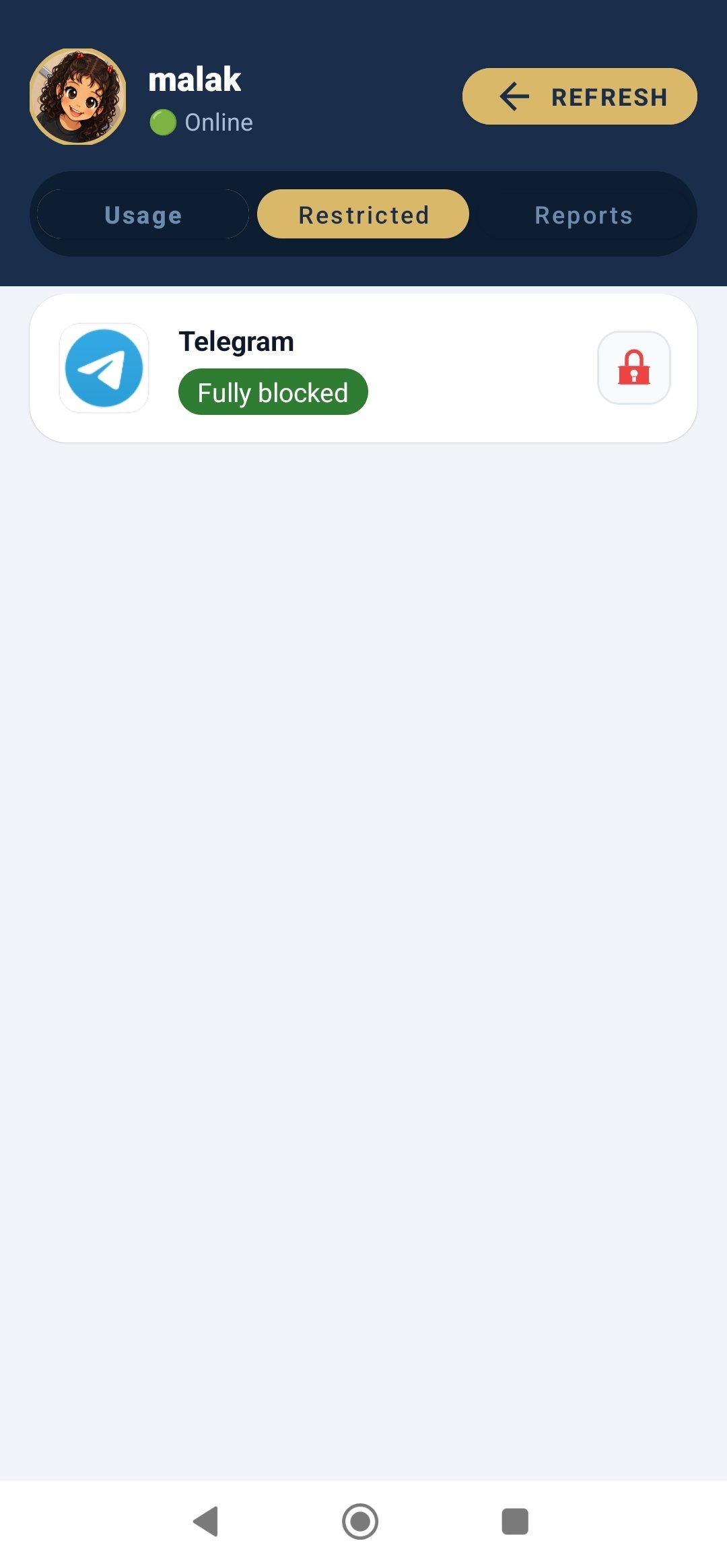
Blocked Apps
Choose the Right Plan for Your Family
Start free for 7 days. No credit card required. Cancel anytime.
🎁 Try free for 7 days — every feature, with daily trial limits. Paid plans have no limits.
Solo
1 child
Billed annually — $41.99
- Live GPS tracking
- Safe & danger zones
- App management & screen time
- Content & keyword monitoring
- Emergency SOS alerts
- Screen & camera streaming
- 1 free co-monitor
- Weekly usage reports
Family
Up to 3 children
Billed annually — $99.99
- Live GPS tracking
- Safe & danger zones
- App management & screen time
- Content & keyword monitoring
- Emergency SOS alerts
- Screen & camera streaming
- 1 free co-monitor
- Weekly usage reports
Family Plus
Up to 5 children
Billed annually — $159.99
- Live GPS tracking
- Safe & danger zones
- App management & screen time
- Content & keyword monitoring
- Emergency SOS alerts
- Screen & camera streaming
- 1 free co-monitor
- Weekly usage reports
The final price (including tax) is shown in Google Play before you pay and may be changed by Google.
No credit card required to start your free trial
Trial limits: 5 min/day for each live stream (camera, mic, screen), 2 days of history, 2 safe zones, 2 danger zones, 5 keywords. All limits are removed when you subscribe.
All plans include one free co-monitor
Payments securely processed via Google Play Billing
Your Privacy Is Our Priority
All your data is encrypted and securely stored, never sold or shared with any third party. SAFE is a transparent tool that operates with family knowledge and consent, specifically designed for parents to protect their minor children.
Frequently Asked Questions
Answers to your common questions
Parent guides
Questions every parent asks about their child's phone, with direct answers and clear steps. We mention SAFE as one option, next to the free alternatives when they are enough.
- How can I see where my child is from my phone?
- How do I get an alert when my child leaves school or home?
- How do I limit screen time and block TikTok or games on my child's phone?
- My child is getting their first phone: what should I do before handing it over?
- How do I protect my child from calls by unknown numbers?
- How do I know if my child is being bullied or receiving worrying messages?
- SOS button for kids: when and how should my child use it?
- SAFE vs Google Family Link: which parental control app should I choose?
- Transparent parental control: how do I talk to my child about monitoring?
- How do I set up Xiaomi and Samsung phones so monitoring doesn't stop?
SAFE vs Google Family Link
Family Link is free and good for the basics. SAFE adds live monitoring and emergencies.
| Feature | SAFE | Family Link |
|---|---|---|
| Watch the child's phone camera live | ||
| See the child's screen live | ||
| Listen to the child's surroundings live | ||
| Control the child's screen by touch, remotely | ||
| SOS button from the child that reaches you instantly | ||
| SOS video recording, shareable by link | ||
| Alerts for worrying words on the child's phone | ||
| Live location | ||
| Day route with places, trips and replay | ||
| Arrive / leave place alerts | ||
| Share the child's location by a temporary link | ||
| Alert on high speed while riding | ||
| Alert when the child's phone battery is low | ||
| Alerts and log for calls with unsaved numbers | ||
| Block specific numbers from calling the child | Partial | |
| Screen time and app blocking | ||
| Reminders that pop up on the child's phone | ||
| Parent app on iPhone | Coming soon | |
| Price | 7-day free trial, then a monthly or yearly plan | Free |
Partial: Google announced Family Link can limit calls to approved contacts, but not block a specific number.
Comparison based on the features Google lists for Family Link as of October 2026.
Start Protecting Your Family Today
Download SAFE for free and enjoy a free trial period